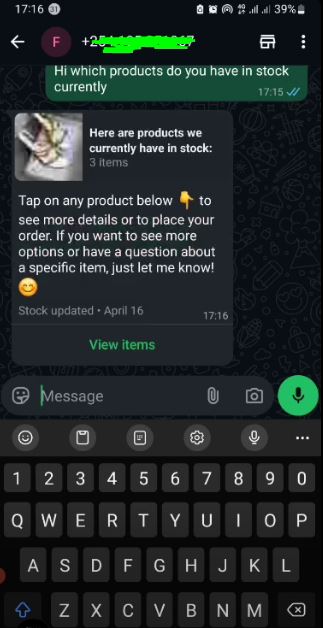

Many businesses get to use WhatsApp as a critical platform for interacting with their customers offering a personal touch and getting faster responses. With this in mind BiasharaBook makes it easier for you to share sales receipts, invoices and sales orders with your customers.
Prerequisites
- You should have a verified Facebook Business Manager account.
- The phone number you want to use to set up this integration must be valid and owned by you
Connecting to WhatsApp
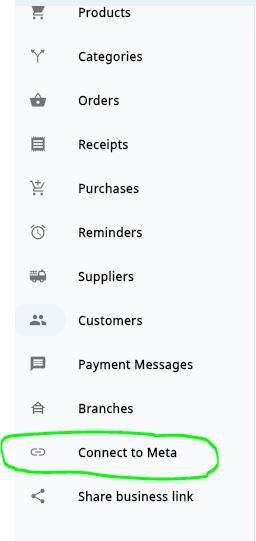
- First you need to login to BiasharaBook then from the Main Menu select “Connect to Meta“
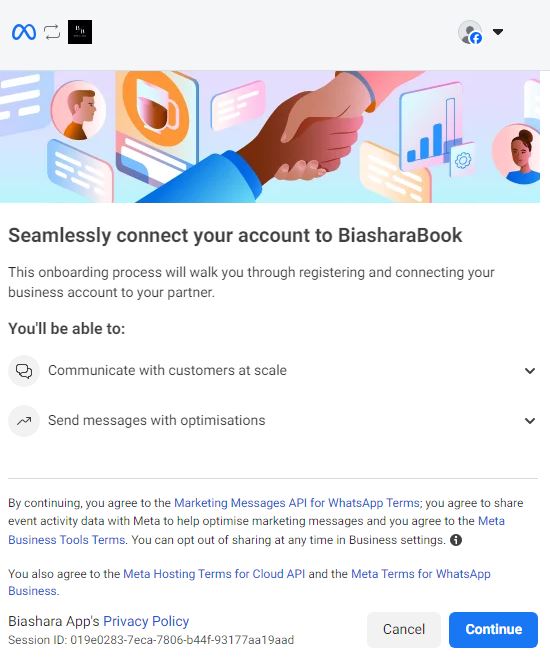
2. You will need to login to your Facebook account to continue with the connection click continue and you will be redirected to this page click continue.
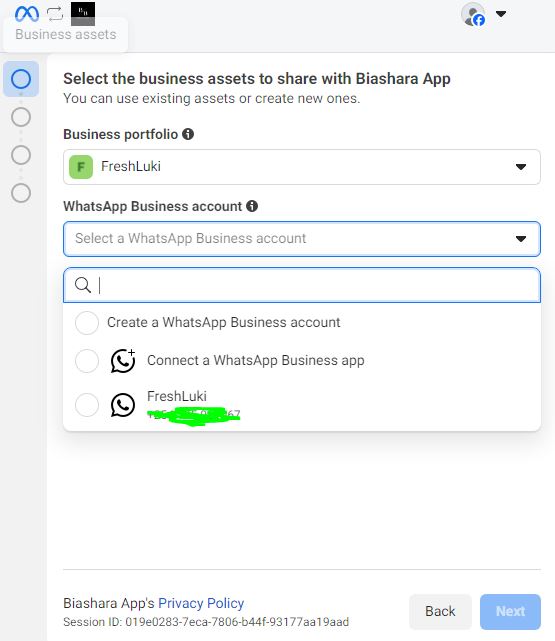
3. Here you get to choose whether to create a new WhatsApp Business account or connect to an existing account.
-
-
- Click Connect a WhatsApp Business account to connect a new WhatsApp Business account.
-
- Click Create a Whatsapp Business account to connect to an existing WhatsApp account.
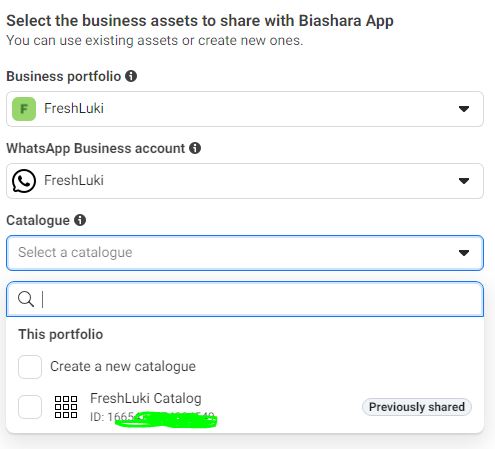
- Under Catalogue Click Create a new catalogue to create a new catalogue or
- Click connect to an existing one
- Click Next
-
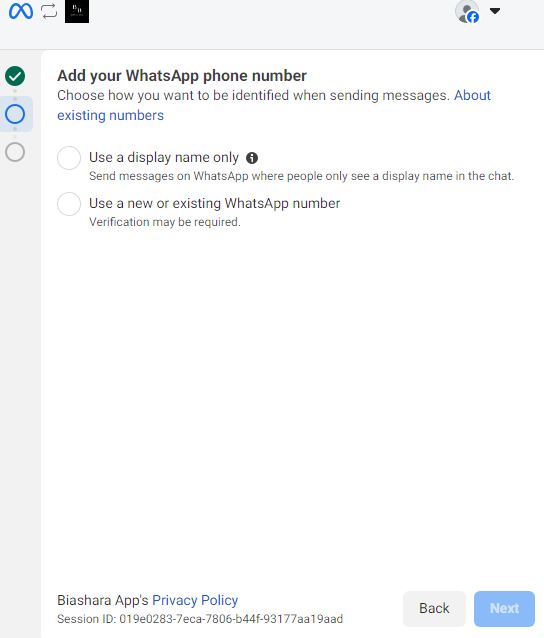
4. Add your WhatsApp phone number this can be an exitsing number or a new number and your WhatsApp business display name and select the preferred verification mode .
Click Next
5.Your almost done but first Review what you’ll share with Biashara App click Confirm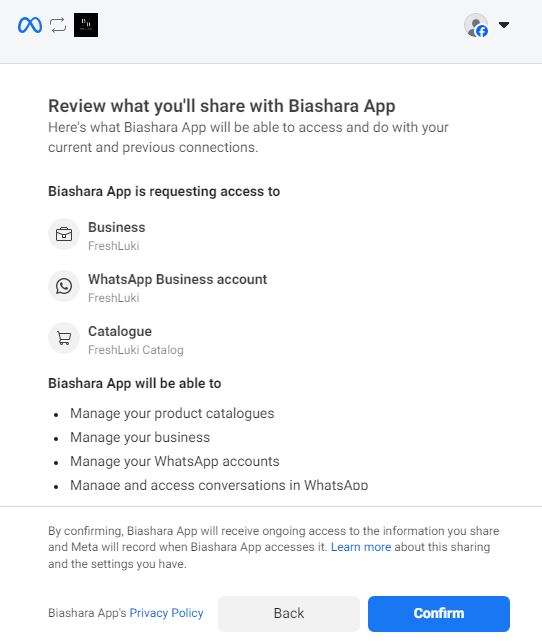
6. Click Finish to complete connecting BiasharaBook and WhatsApp successfully.
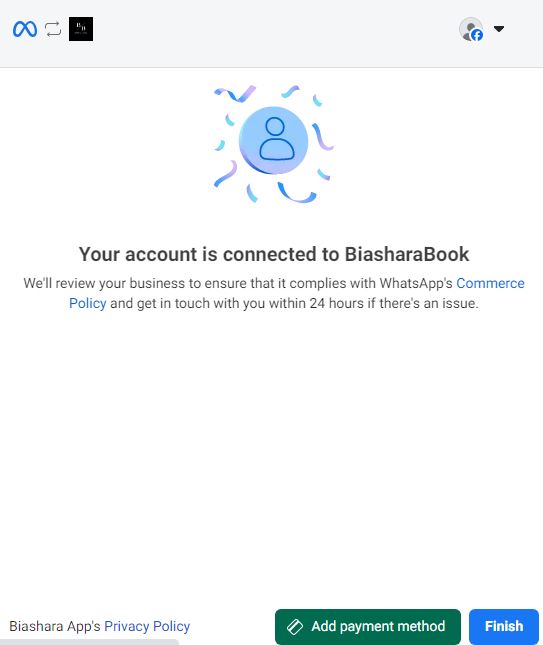
7. Go back to BiasharaBook and sync your product inventory with your WhatsApp catalogue
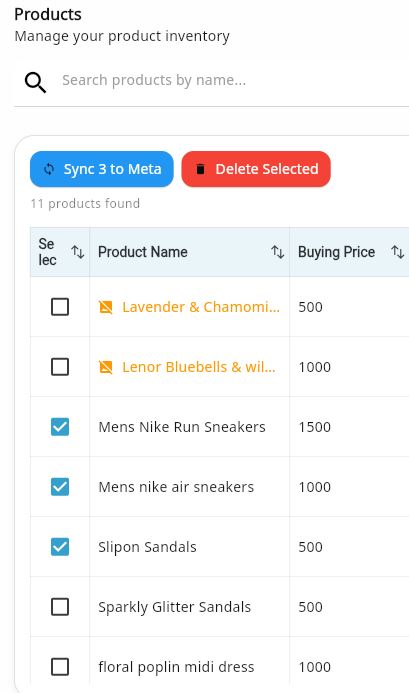
8. Upon successful synchronization you will now be able to respond to your customers inqueries no more missed sales opportunities.